So You Just Bought an e-Reader at a Garage Sale: Your First-Swipe Survival Guide
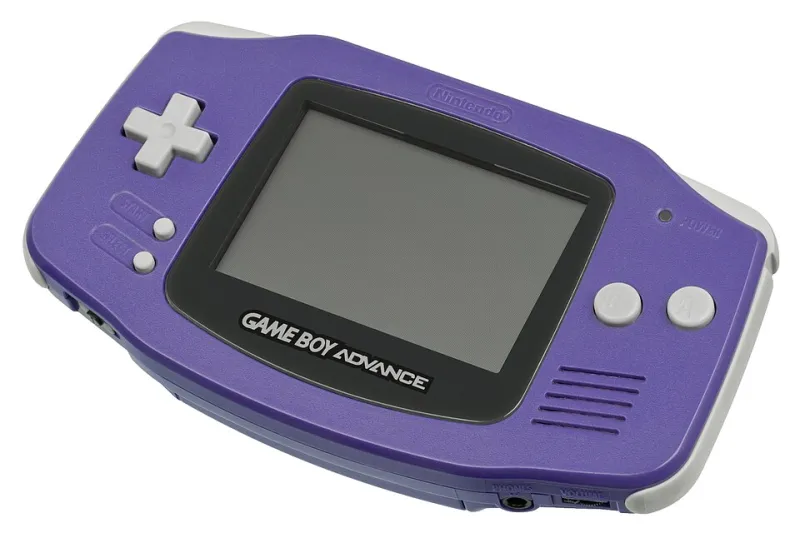
Photo: Unknown authorUnknown author, Public domain, via Wikimedia Commons
Maybe you found one in a shoebox at an estate sale in Ohio. Maybe it showed up in a lot with a Game Boy Advance SP and a tangle of link cables. Either way, you're now the owner of one of Nintendo's strangest and most lovable accessories, and you probably have questions. This guide gets you from "what is this thing" to your first successful swipe without the usual rookie headaches.
First, Figure Out Which e-Reader You Have
There are two hardware versions, and the difference matters. The original e-Reader has no link port cable built in for connectivity with the GameCube and requires you to physically attach the GBA. The e-Reader+ (the second revision) added a built-in link cable connection, which unlocks the Animal Crossing card functionality and other hookup features.
Quick check: if there's a port on the side that a standard Game Boy Advance link cable plugs into natively, you've got the plus model. If you need a separate adapter setup, it's the original. For most casual users either works fine, but if Animal Crossing cards are on your wishlist, aim for the e-Reader+.
The Two-Minute Health Check
Before you buy a single card, make sure your unit can actually scan:
- Check the scanner bar. Open the hatch and look at the long scanning window. Dust and gunk here cause 90% of "my cards don't work" complaints. A gentle wipe with a dry microfiber cloth usually does it.
- Test with anything. Even a junk common card from a cheap lot will tell you if the scanner reads. You don't need a rare pack to verify function.
- Mind the batteries. The unit eats AAs. Corroded battery terminals are the most common defect on used units — check before you buy, or before you panic.
Your First Five Card Hunts
Don't blow your budget on rarities yet. Start with packs that are cheap, plentiful, and genuinely fun:
- Classic NES Series packs — full playable NES games like Donkey Kong and Pinball across a few cards. Instant gratification, and commons are affordable.
- e-Reader game singles like Mario Party-e — the card-game hybrids are quirky, cheap, and very "2002 Nintendo."
- Animal Crossing card packs — if you have the e-Reader+ and a GameCube setup, these deliver items and songs. Tons of supply on the secondary market.
- Pokémon e-Reader cards — battle data and playable content, plus the trade-and-battle cards if you can find a second player.
- Any sealed common pack you can get cheap — for the ritual of opening something that's been sealed since the Bush administration. Trust us.
Storage and Cleaning Without Ruining Anything
These cards are cardboard with printed dot codes, which means they're tougher than you'd fear and more fragile than you'd hope.
- Keep them out of direct sunlight — UV is the silent killer of dot codes.
- Store them flat, in the original plastic trays if you have them, or in baseball-card-style sleeves for loose singles.
- Never use liquids or solvents on the dot-code side. A dry cloth, lightly, is the ceiling.
- Avoid humidity swings. A closet in a climate-controlled room beats a garage box every time.
Three Mistakes Every First-Timer Makes
Swiping too fast or too slow. The scanner needs a smooth, steady pass. If a card fails, don't mash it through five more times — re-seat it, slow down, try once more. Aggressive repeated swiping wears the print.
Buying Japanese cards first. The Japanese and US libraries are different, and some Japanese cards won't function as intended on US hardware setups. Start domestic, branch out later.
Assuming every card is a game. A huge chunk of the library is short demo content, mini-games, or bonuses for other games. Read up before you buy so you're not disappointed that a $2 card isn't a full title.
Welcome to the Club
The e-Reader community is small but genuinely friendly — Facebook groups and forums are full of people happy to talk a newcomer through their first scan. Get a working unit, grab a cheap Classic NES pack, and swipe slow. That first successful load of a full NES game off a piece of cardboard never stops feeling like magic.